Actionable
Know when, what and how much to drink
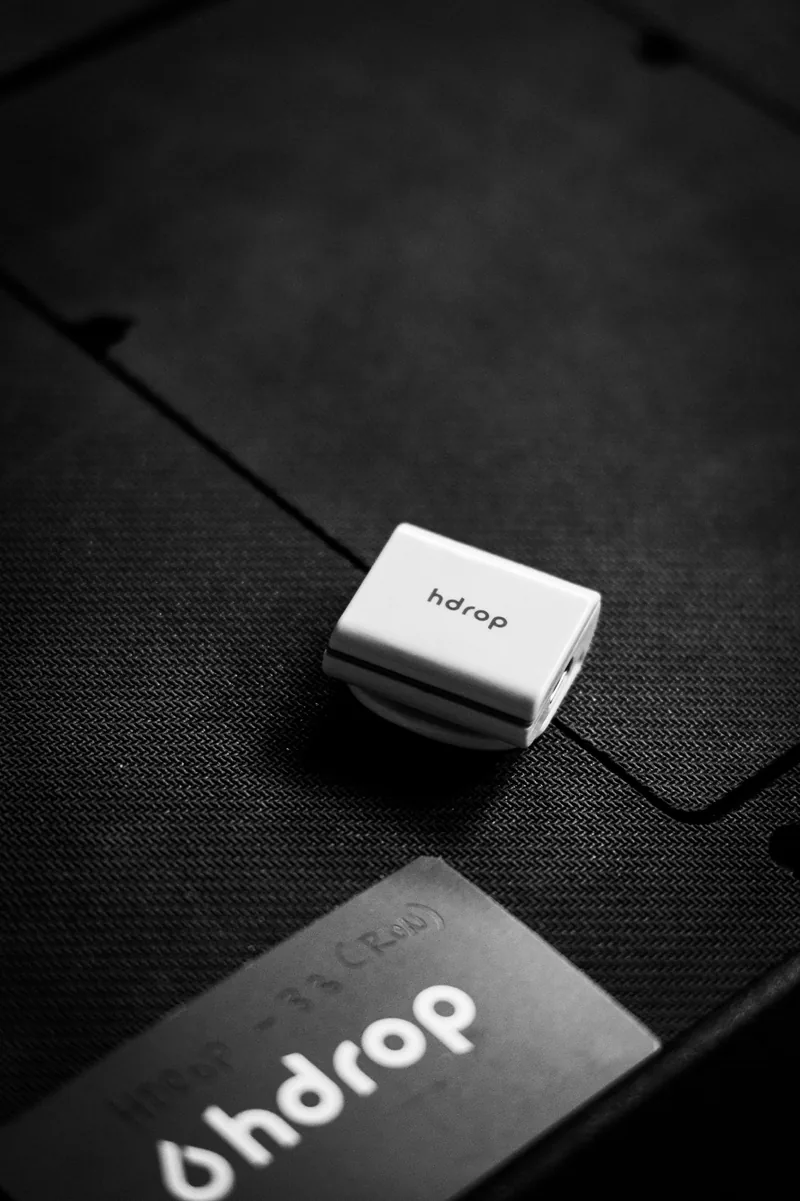
HDROP GEN 2
Track sweat loss, sweat rate and sodium loss as you train, with one reusable hydration sensor built for running, cycling and race day.
Fully reusableNo disposable patchesNo subscription required
Explore hDrop















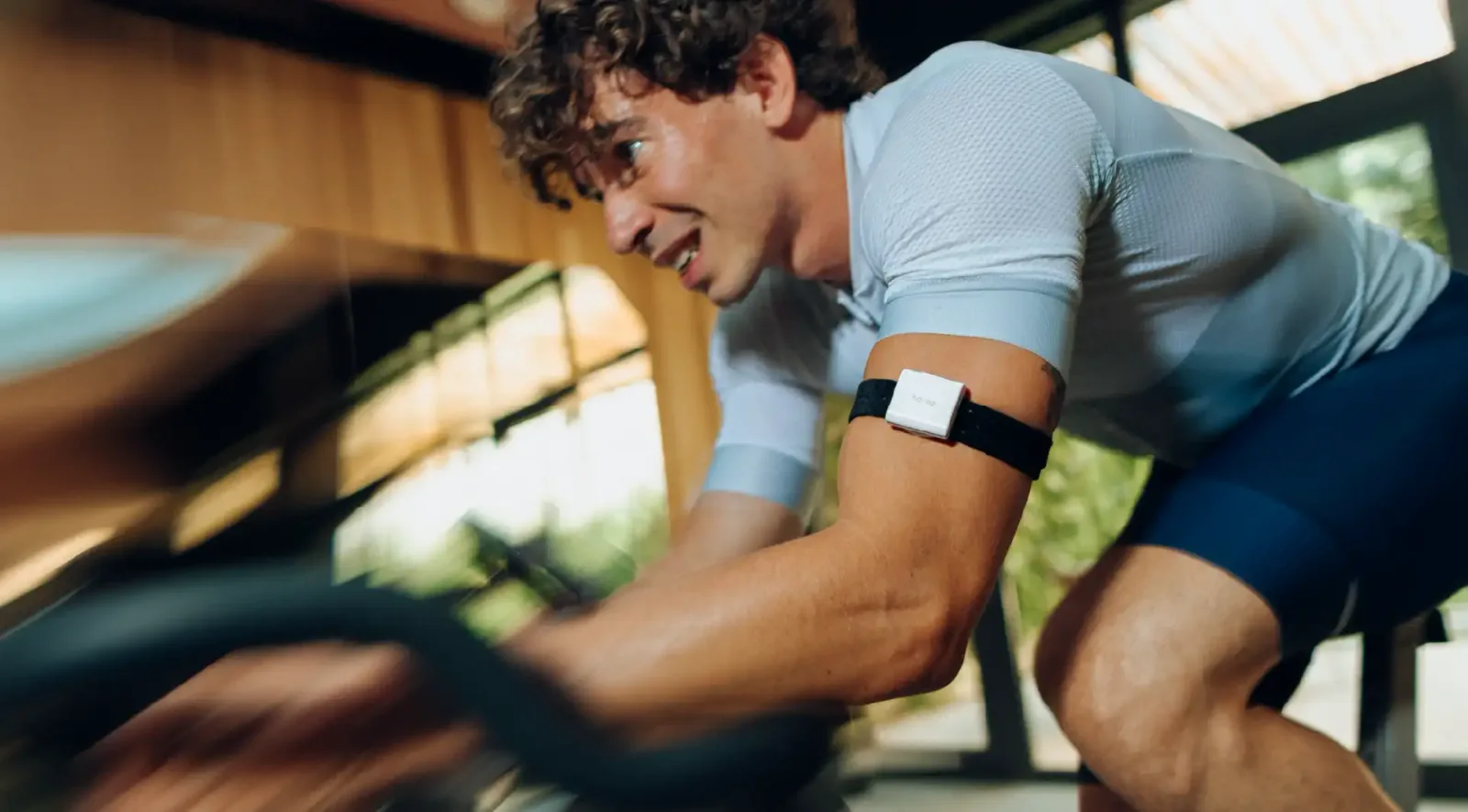
Your body. Your data.
Muscle cramps, heat exhaustion, fatigue… Dehydration can impact your well-being before you even realize it and impair your athletic performance. The hDrop biosensor analyzes the biomarkers on your sweat and transform them into valuable data to take care of your performance.
Know when, what and how much to drink
Say goodbye to disposable patches
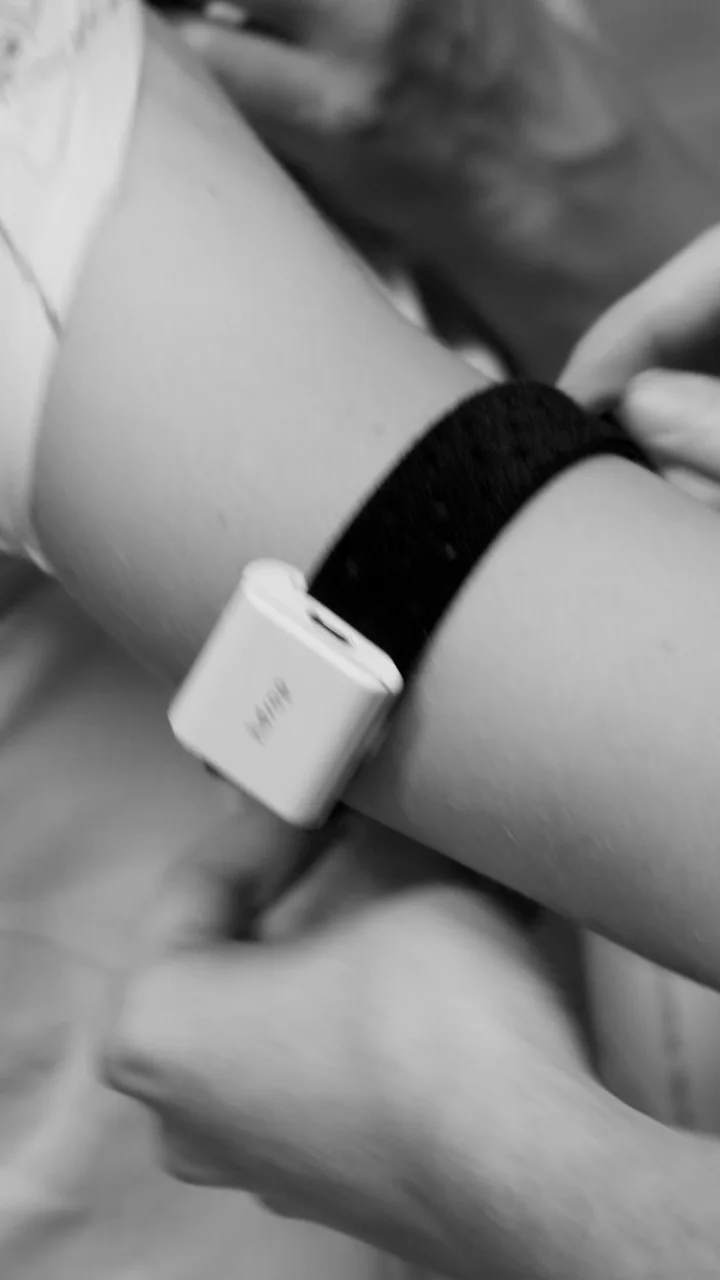
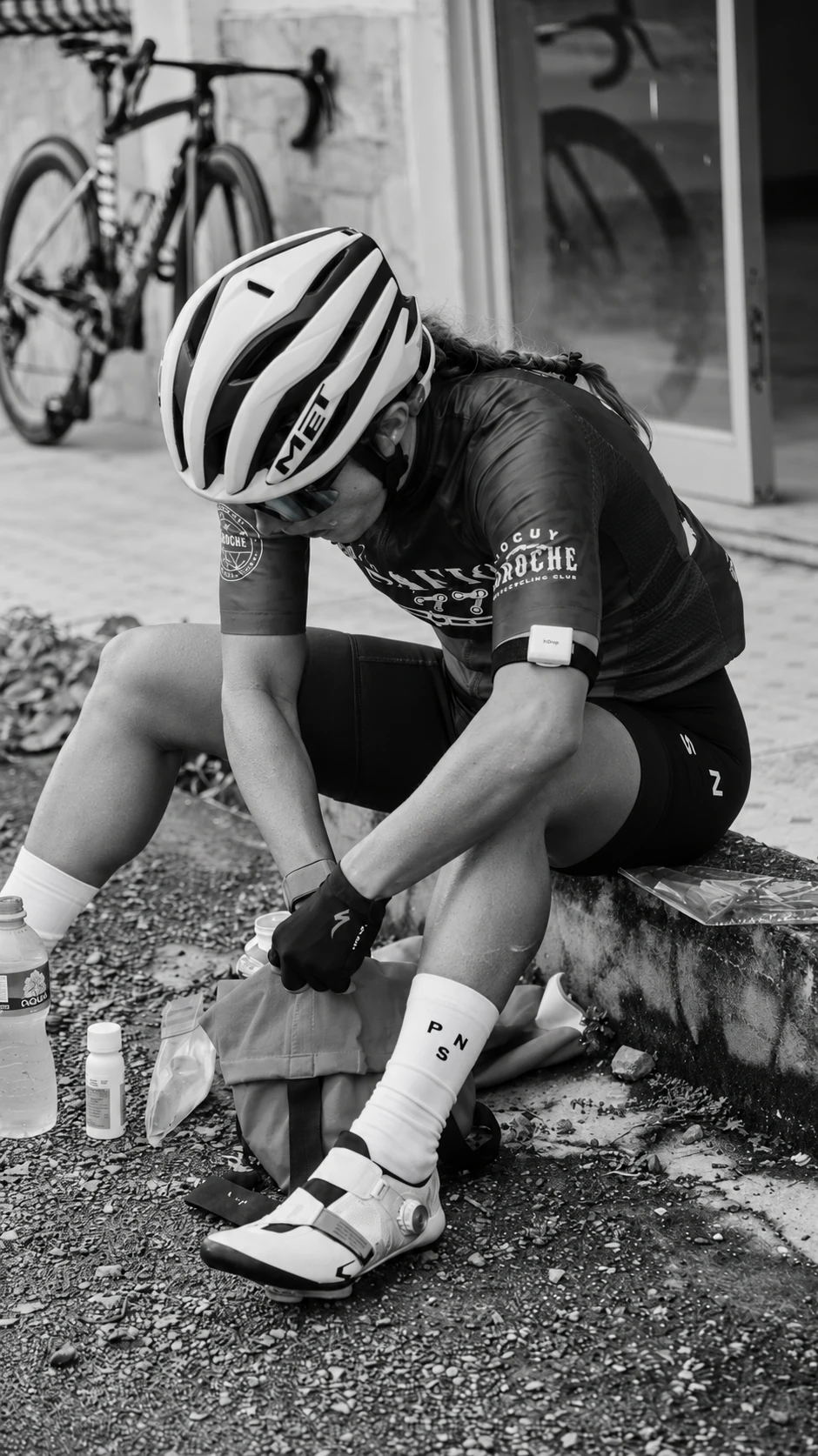
Clip it to your heart rate monitor, or use our arm-straps
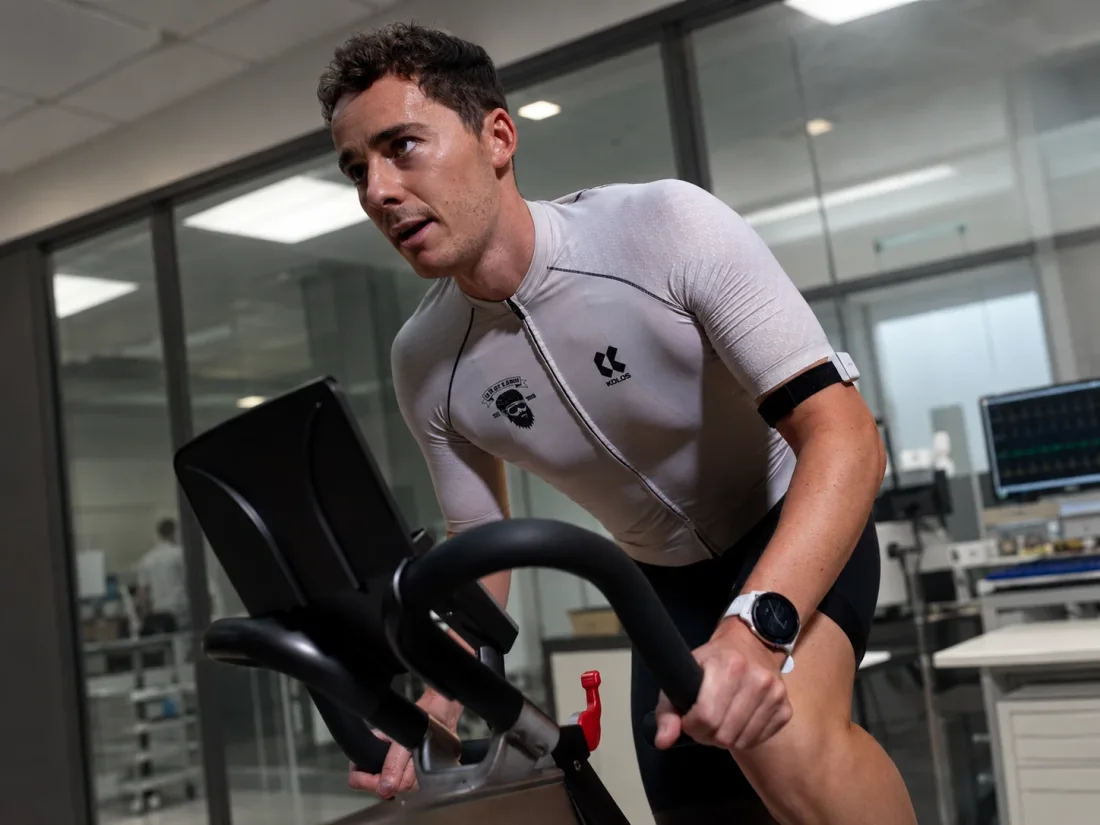 Measured during real exercise
The science behind the signal
hDrop is the only reusable sweat sensor that has been independently scientifically evaluated during real exercise in the heat, demonstrating ~92% accuracy for sweat-loss tracking and ~87% accuracy for sweat sodium-loss across running and cycling trials. Since that 2025 study, our team has continued improving the sensor and algorithms, with ongoing validation showing preliminary sodium-concentration accuracy approaching 95%.
One sensor.
Session after session.
hDrop offers a new slick design, purposely crafted to fit your current workflow, being flexible with the tools and clothing you normally wear during your activities.
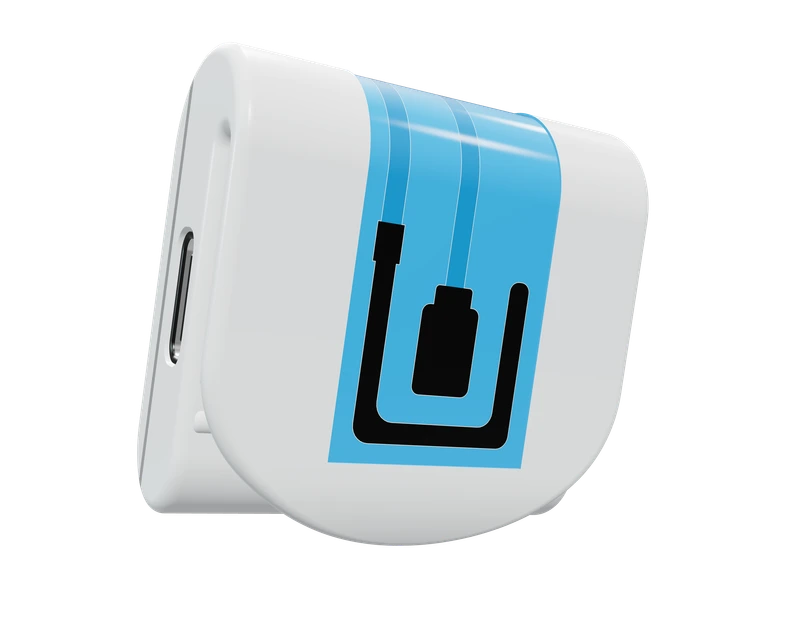
Select a view to explore the sensor.
Reusable Electrode Sensor
Sweat, decoded
hDrop gives you real-time insights into your fluid loss, sweat rate, sodium loss, potassium loss, and sweat composition, helping you understand what your body is losing during training or racing.
hDrop measures sweat rate and electrolytes through its reusable electrode sensor and analog readings from your sweat. These physical measurements are used to calculate fluid and electrolyte losses throughout your session.
Total amount of fluid lost through sweat during your active activity.
Your average rate of fluid loss per hour during intense activity.
Sodium lost through sweat during your active activity.
Potassium lost through sweat during your active activity.
Sodium concentration in your sweat during intense activity.
Time until first sweat drop was detected during intense activity.
This refers to how much liquid your body loses when you exercise. Used to calculate hydration needs.
This is how much you sweat in an hour. It's useful for figuring out your fluid loss.
This is the amount of salt that you lose when you sweat. Used to calculate electrolyte needs.
The hDrop app
54:20
Sensor location: Chest
Total amount of fluid lost through sweat during your active activity.
Your average rate of fluid loss per hour during intense activity.
Sodium lost through sweat during your active activity.
Potassium lost through sweat during your active activity.
Sodium concentration in your sweat during intense activity.
Time until first sweat drop was detected during intense activity.
Consume 1/3 of your recommended fluid intake with electrolytes
Take another 1/3 of fluids along with a light meal containing salt
Complete your recovery with the remaining fluid intake
The device delivers personal results based on your sweat, workout type, and body physiology. Linked with our hDrop App, it allows you to craft a personalized hydration plan.
Your sweat data, your preparation, your recovery. Together in the hDrop app for iOS and Android.
Make it personal
hDrop compares your sweat sodium concentration with popular hydration drinks, helping you see whether your current drink is too low, too high, or a close match for your needs.
Hydrate smarter with personalized sweat and hydration insights.
Understand the difference.
Every session tells a story
Follow how your sweat sodium concentration changes during training and racing, alongside your fluid- and sodium-loss data. Build a sweat profile across different sessions, intensities and conditions, not just a single test.
Minutes
A new feature that allows you to understand your hydration in an easy and intuitive way during exercise. It is a tool to help you stay aware of your status, complement your hydration strategy, and be more prepared. It does not, in any case, replace the advice of a professional.
Minutes
This zone indicates that your sweat has less water and more salt. It could mean you might not be drinking enough plain water.
This is the zone where the concentration of salts and the volume of your sweat are balanced, indicating that your sweat levels are within your regular range.
This zone shows that your sweat has more water than usual. It suggest you might be drinking too much plain water, diluting the salts in your body and potentially needing more electrolytes.
Fits the way you train
In-workout insights.
Post-session perspective.

Live data · Watches & Edge
See sweat loss, sodium loss and hDrop Score on compatible Garmin devices. Start in the hDrop app, connect to Garmin, then leave your phone behind during your workout.
Garmin setup guide Check compatible Garmin models
Live data · Karoo 2 & Karoo
Track sweat loss, sodium loss and hDrop Score during your ride. Install the hDrop Extension from the Extensions Library on Karoo 2 or the current Karoo.
Hammerhead setup guideLive data · ACE, BOLT 3 & ROAM 3
View fluid and sodium loss live and record them in your ride’s FIT file. Start in the hDrop app, then connect to ELEMNT. Older ELEMNT generations are not supported.
Wahoo setup & software requirementsFor hDrop Gen 2. Start and finish recordings through the hDrop app; reconnect after using an external display for your complete session analysis. See each setup guide for requirements.

Post-session syncing
Link your accounts to automatically send completed hDrop sessions to your TrainingPeaks calendar as a Metrics card and a note on the matching workout. Garmin-recorded hydration data can also appear in Advanced Graphs through the hDrop Scores data field.
Set up TrainingPeaks syncingThe hDrop community
4.8 / 5 Based on customer reviews
Real customer feedback highlights why athletes use hDrop for sweat loss, sodium insights, training context, and personalized hydration planning.
★★★★★4 / 5 stars
“I am using hDrop to collect hydration information and mix it with all my other wearables. It helps me and my coach plan my races.”Martin L. · Triathlete · Verified customer
★★★★★5 / 5 stars
“Really interesting technology with a lot of potential. I can see how what I drink affects my body and performance.”Jonny C. · Amateur runner
★★★★★5 / 5 stars
“It is been awesome being able to track hydration on my players. Some of them struggle with heat, and being able to benchmark them helped us buy the appropriate supplements.”Pablo T. · Tennis coach
★★★★★5 / 5 stars
“This device has the potential to become the next hydration gold standard. It can detect when I start sweating, how fluid affects my body, and track my skin temperature during my training.”Nicole R. · Triathlete
★★★★★5 / 5 stars
hDrop gives athletes practical sweat and sodium data they can use to better understand their hydration needs during training.
Jaime A. · Verified customer
★★★★★5 / 5 stars
A useful hydration tool for athletes who want more than generic recommendations and want to see how their body responds.
Lukas S. · Endurance athlete
★★★★★5 / 5 stars
Customers highlight the value of a reusable sensor that can be used repeatedly without relying on disposable sweat patches.
Alexis B. · Endurance athlete
★★★★★4 / 5 stars
Athletes use hDrop to compare sessions across different temperatures, intensities, and durations so hydration planning becomes more specific.
Lisa M. · Runner
★★★★★5 / 5 stars
The more sessions athletes record, the easier it becomes to understand their own sweat profile instead of following generic hydration advice.
Michael H. · Multisport athlete






Made for your everyday
Explore the ways to use your hDrop.
Place your thumb on the sensor for 80 seconds and receive an immediate range hydration score, offering an estimated snapshot of your current hydration status. (Good, Medium, Low)
Designed for individuals engaged in less strenuous activities like working at a desk, resting, or taking a light walk. Simply place your hDrop on your upper arm, wait to allow sweat capture, and then receive notifications.
This mode provides real-time feedback on sweat rate, sodium and potassium loss, and other crucial metrics, helping you understand how your fluid intake affects your performance.
hDrop is designed for athletic training and racing. It is not intended for sedentary hydration monitoring, elder-care monitoring, or diagnosing, treating, or managing medical conditions.
No. hDrop is fully reusable and does not require disposable patches.
No, hDrop does not require a subscription.
hDrop records your sweat throughout your activity. Use the same sensor across runs, rides and changing conditions to compare your sweat-rate and electrolyte data over time, building a sweat profile from your own training. Explore our guide to sweat testing.
hDrop measures sweat rate and electrolytes using a reusable electrode sensor in contact with your skin. The sensor captures analog readings from your sweat; hDrop processes these physical measurements to calculate fluid and electrolyte losses throughout your activity. Correct placement and consistent skin contact help maintain reliable readings. Learn how hDrop’s electrode sensor works.
Gently clean the electrode surface with an alcohol prep pad and let it dry. Do not use water on the sensor. Remove the straps before hand-washing them with water and soap, and let them dry completely before reattaching them.
hDrop Gen 2 supports live data on compatible Garmin watches and Edge devices, Hammerhead Karoo 2 and the current Karoo, and Wahoo ELEMNT ACE, BOLT 3 and ROAM 3. TrainingPeaks receives completed-session data rather than a live display. Check the device-specific setup guides for model and software requirements.
The hDrop app supports offline mode. Start and complete your activity with your phone, then upload the data when connectivity returns.
Explore the hDrop Gen 2 product details or contact our team.
Your next session starts here
Reusable. Rechargeable. Ready to go again.